Free Printable Receipt Templates for Your Business
Tired of jotting down sales on a napkin or trying to whip up a receipt from scratch? Free printable receipt templates are the answer. They give you a fast, professional way to document any transaction, making them a lifesaver for small business owners, freelancers, or anyone who just needs a quick proof of purchase.
Why You Still Need a Good Receipt
In a world full of digital payments, you might think the paper receipt is a relic. But honestly, it's just as important as ever—its job has just changed a bit. A well-designed receipt is more than just proof you got paid; it's a key business document that builds trust with your clients and keeps your finances straight.
Think about it from the customer's perspective. If you're a freelancer, contractor, or run a small shop, handing over a clean, branded receipt makes the whole transaction feel more legitimate. It's like the final handshake of a deal, confirming the payment and giving both of you a physical record to hold onto.
This simple piece of paper is also the foundation of good bookkeeping. Bad financial tracking is a business killer. In fact, a shocking 82% of small businesses go under because of cash flow problems, and clear, consistent receipting is one of the easiest ways to prevent that. If you want to dig deeper, SCORE has some great insights on financial documentation for small businesses.
A Small Touch That Makes You Look Professional
Every time you interact with a customer, you're building your brand. A generic, scribbled note feels messy and unprofessional. On the other hand, a crisp, customized receipt with your logo says you’re organized and you care about the details. It’s a small thing that reinforces your brand and leaves a great impression.
Tools like ReceiptMake have made this super easy. You don't need to be a designer or have fancy software to create documents that make your business look credible and polished.
Just look at how straightforward a modern receipt generator can be.
You get a clean, side-by-side layout where you can plug in the details on one side and instantly see a live preview of how the final receipt will look. No guesswork involved.
Making Tax Time a Lot Less Painful
Let’s be honest, nobody enjoys tax season, and messy finances make it a total nightmare. Using free printable receipt templates brings order to the chaos. By creating a uniform system for your records, you make it incredibly easy to track your income and expenses.
When every transaction is documented in the same format, you can sort, file, and find what you need in a snap.
My Take: A consistent receipting system isn't just about making things tidy. It's about building an organized, audit-proof paper trail that saves you a ton of time, cuts down on stress, and ensures you can accurately report your income and claim every deduction you're entitled to.
This organized approach gives you a clear picture of your business's financial health all year long. Instead of wrestling with a shoebox full of random papers, you have a neat, chronological file of every transaction. It turns a boring administrative chore into a real strategic advantage.
Choosing the Right Receipt Template for Your Work
Not all transactions are the same, so your receipts shouldn't be, either. Handing a client a generic receipt is like using the wrong tool for the job—it might get you by, but it’s clumsy and often misses crucial details. When you pick a template designed for your specific industry, you make sure all the important information is there, which saves a ton of confusion down the line.
Think about it. A freelance photographer's receipt needs to break down things like "Headshot Session" and "Photo Editing Hours." A landlord, on the other hand, needs a rent receipt that clearly shows the property address, the rental period (like "October 2024 Rent"), and any late fees. A one-size-fits-all template just can't handle those different needs effectively.
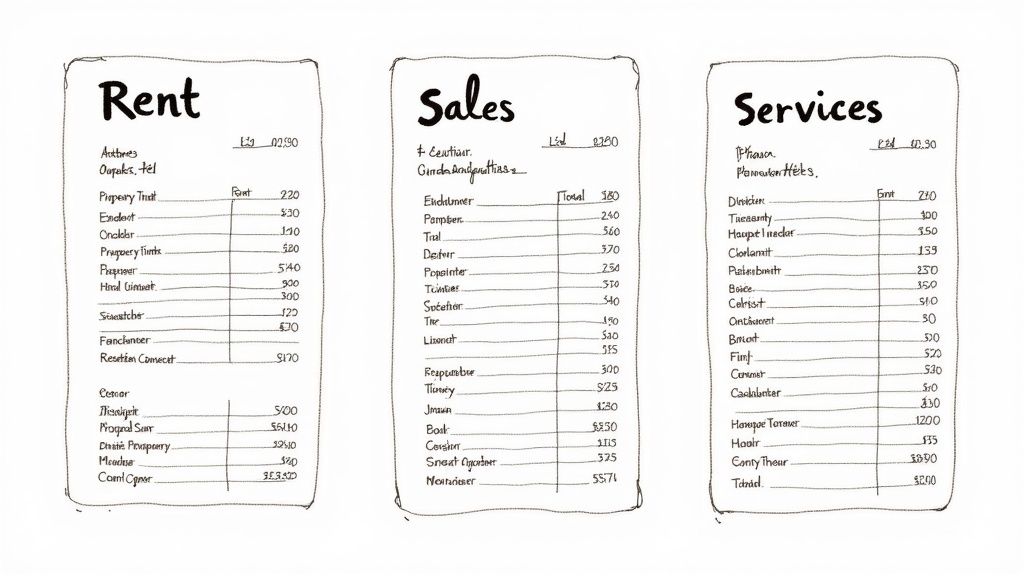
Thankfully, specialized templates are easy to find these days. The world of free printable receipt templates has exploded, with options for just about any business you can imagine. We’ve seen platforms with more than a dozen unique designs, covering everything from simple cash sales to detailed professional service invoices. Digging into the different templates available can really open your eyes to how much easier your paperwork can be.
Matching the Template to the Transaction
The trick is to ask yourself: what story does this receipt need to tell? What's the non-negotiable information this specific transaction requires? A quick sale at a coffee shop is worlds away from a multi-stage construction project, and the paperwork should reflect that.
Here are a few common scenarios I see all the time:
- For Retail and Sales: A classic sales receipt is your best bet. You need clear lines for each item, the quantity sold, the price per unit, and a subtotal. Simple and effective.
- For Service-Based Work: If you're a consultant, designer, or repair tech, grab a service receipt. This format gives you space to describe the work you did, list your hourly rate, and show the total hours billed.
- For Cash Payments: A dedicated cash receipt is a lifesaver. It creates an undeniable record when physical money changes hands, which is absolutely essential for your own bookkeeping.
- For Donations: Nonprofits have to be careful. A donation receipt is designed to meet tax requirements, including the necessary statements about whether any goods or services were exchanged for the contribution.
Taking a minute to browse the library of free receipt templates available at ReceiptMake and pick the right one will make your financial tracking so much cleaner.
Why Template Specificity Matters
This isn't just about good record-keeping; it’s about looking professional and being crystal clear. Let's say you run a small catering business and a client gives you a deposit. A basic "cash receipt" might seem fine, but a proper deposit receipt is so much better. It clearly states the payment is only a partial one and can even include details on the remaining balance and its due date.
That kind of specificity heads off misunderstandings before they can even start. The client knows exactly where they stand, and you have a perfect paper trail that matches your accounting.
My Two Cents: A good receipt is a complete, self-explanatory record of a transaction. The more you tailor the template to the situation, the better it does its job of protecting both you and your customer.
This habit also makes your life incredibly easy when tax season hits. Instead of a giant pile of generic slips, you'll have neatly categorized receipts for rent, sales, and services, making the sorting process a breeze.
To help you get started, here's a quick cheat sheet for picking the right format.
Which Receipt Template Fits Your Business?
This table breaks down some of the most common receipt types to help you find the perfect fit for your industry or a specific kind of transaction.
| Template Type | Best For (Industry/Use Case) | Key Information Fields |
|---|---|---|
| Sales Receipt | Retail stores, e-commerce, product sales | Item Description, Quantity, Unit Price, Subtotal |
| Service Receipt | Freelancers, consultants, repair services | Service Description, Hourly Rate, Hours Worked, Total |
| Rent Receipt | Landlords, property managers | Tenant Name, Property Address, Rental Period, Payment Method |
| Donation Receipt | Nonprofits, charities, fundraising events | Donor Name, Donation Amount, Date, Tax-Deductible Statement |
| Cash Receipt | In-person sales, deposits, flea markets | Payer Name, Amount Paid in Cash, Purpose of Payment |
In the end, that extra moment you take to choose the right free printable receipt template really pays off. It sharpens your professional image, tightens up your workflow, and keeps your financial records accurate and easy to manage. It’s a small step that makes a huge difference in how smoothly your business runs.
Making Your Receipt Look Professional
Once you’ve picked a template that works for you, the next step is to make it your own. This is where you transform a generic form into a professional document that speaks for your business. A great-looking receipt does more than just track a sale—it builds trust, reinforces your brand, and makes your life easier when it's time to do the books.
Let's walk through how to personalize your free printable receipt templates to get that polished, professional finish.
Start with Your Business Identity
Before you even think about products or prices, get your business information on there. This is your digital letterhead. It’s the first thing a customer sees, and it immediately establishes who you are.
A receipt without your business name is like an anonymous note—it feels untrustworthy and amateur. So, let’s fix that.
Here's the must-have info to include right at the top:
- Your Business Name: Put it front and center. Make it bold and easy to read.
- Business Address: A physical or P.O. Box address adds a layer of credibility.
- Phone Number: Give your clients a simple way to reach you if they have questions.
- Email Address: Perfect for digital follow-ups and inquiries.
- Website (Optional): This is a great, low-effort way to guide customers back to your online presence.
Getting this part right sets the tone for the entire document. It’s the simplest and most important customization you can make.
Add Your Logo for Instant Brand Recognition
Your logo is the face of your brand. Slapping it onto your receipt template instantly upgrades it from a boring piece of paper to a branded asset. It might seem like a small detail, but consistent branding across all your customer touchpoints can increase revenue by up to 33%. Receipts count.
Most receipt generators, including ReceiptMake, make this super easy with a simple "Upload Logo" button. For the best look, I always recommend using a high-quality PNG file with a transparent background. This helps your logo blend in seamlessly with the receipt's design, avoiding that clunky white box you sometimes see.
Pro Tip: You don't need a massive file here. An overly large logo can bloat the PDF size. Something around 500 pixels wide is usually perfect for a sharp, clean look without the extra weight.
This little touch makes a huge impact. It shows you’re an established business that cares about the details.
Number Your Receipts for Flawless Organization
A unique number on every single receipt is the secret to sane bookkeeping. It creates a perfect, sequential trail that makes it dead simple to track payments, manage your accounts, and find a specific transaction later. Without it, you’re stuck sorting through dates and names, which gets messy fast.
A good practice is to start your numbering system at something like 1001 or use a prefix for the year, like "2024-001". The most important thing is consistency. A logical system prevents duplicates and makes finding a specific sale as easy as typing in a number. Tools like ReceiptMake often suggest the next number in the sequence automatically, which takes the guesswork out of it. A clean generic POS receipt template shows just how effective a simple, numbered system can be.
Detail Your Line Items with Clarity
This is the core of the receipt. Each product or service needs its own line, with a clear description, quantity, and price. Vague descriptions like "Project Fee" or "Services" are just asking for confusion down the road.
Be specific. Your goal is for anyone—your client, your accountant, or yourself six months from now—to understand exactly what was sold.
| Bad Example (Vague) | Good Example (Specific) |
|---|---|
| Project Work | Website Design - Homepage Mockup |
| Parts and Labor | Oil Change - 5 Quarts Synthetic & Filter |
| Consulting | 2-Hour Marketing Strategy Session |
Specificity builds trust. When customers see exactly what they paid for, there's no room for doubt or disputes. It also gives you better data on what’s selling well.
Calculating the Final Total Accurately
The bottom of the receipt is where all the math comes together. One small mistake here can cause awkward conversations and make you look unprofessional. The calculation needs to be perfect and clearly broken down.
Here’s the simple structure to follow for your totals:
- Subtotal: The total cost of all your goods or services before anything else is added or subtracted.
- Discounts: If you've offered a discount, list it clearly as a negative number. It helps to be specific, like "10% Off Welcome Offer."
- Taxes: Apply any required sales tax (VAT, GST, etc.) to the subtotal. Always show the tax rate you used (e.g., "Sales Tax (8%)") for total transparency.
- Grand Total: This is the final amount due. Make it the most prominent number in this section, usually with bold text.
Getting these numbers right is non-negotiable. Even a tiny miscalculation can erode trust. Using a free printable receipt template with built-in calculations is a lifesaver here, as it eliminates the risk of human error and ensures your totals are always spot-on.
Printing and Sharing Your Finished Receipt
Alright, you’ve put in the work to create a polished, professional receipt. Now for the final step: getting it into your customer's hands. This is the moment that closes the loop on the transaction, whether you're handing over a paper copy or zipping it across the internet.
The best format for this, hands down, is a PDF. It's the universal language of business documents for good reason. A PDF locks in all your hard work—the logo, the fonts, the layout—so it looks exactly the same on their screen as it does on yours. Even better, it's secure and can't be easily edited, which protects the integrity of the sale for both of you.
Sending a Digital Receipt
Emailing a PDF is usually the quickest and greenest way to go. It’s what most customers expect these days, and it gives them an instant digital copy for their records. Attaching the file is the easy part, but how you present it really matters.
Don't just send a blank email with an attachment. Take a moment to write a brief, professional message. A simple note adds a human touch and reinforces your appreciation for their business.
My Takeaway: A quick, friendly email makes the whole thing feel more personal. I find that something as simple as, "Hi [Client Name], thanks again for your business! Please find your receipt attached," goes a long way in building a positive relationship.
This small courtesy elevates the experience. It turns a simple administrative task into one more positive touchpoint with your customer. Remember, the receipt is often your final interaction for that particular sale.
Getting a Perfect Print Every Time
Sometimes, you just need a physical copy. Printing directly from a tool like ReceiptMake is simple, but a few quick checks can prevent a sloppy-looking document. Let's be honest, nothing kills a professional vibe faster than a receipt with chopped-off edges or text so small you need a magnifying glass.
Before you hit that "Print" button, always peek at your printer settings.
- Paper Size: Is it set to the paper you’re actually using? Most likely US Letter (8.5" x 11") or A4.
- Scale to Fit: Look for an option like "Fit to page" or "Scale." This is the magic button that prevents your receipt from getting cut off at the margins.
- Orientation: Most receipts are designed for portrait mode, but a quick glance at the print preview will confirm you’ve got it right.
Spending just 10 seconds on these settings saves you from wasting paper and handing a customer something that looks unprofessional. A crisp, clean physical copy reinforces the quality image you've worked to build.
This infographic lays out the entire process, from adding your branding to getting the final numbers right.

As you can see, it's a logical flow designed to make sure you don't miss a single important detail before you finalize the document.
Finalizing Your Document
Whether you’re printing or emailing, the last move is to generate the file. This is where a dedicated tool really shines, turning what could be a finicky design job into just a couple of clicks. With all your info plugged in, you can see a live preview and make any final adjustments.
When it's perfect, you can easily generate a professional receipt that's ready to go. The real beauty of a generator is that it handles all the tricky formatting for you, leaving you with a pixel-perfect PDF every single time.
Smart Receipt Management and Record Keeping
Creating a great-looking receipt is only half the battle. The real magic, and where you'll save yourself a ton of headaches later, is in how you manage and store these documents. A smart record-keeping system can turn a random folder of PDFs into a powerful financial tool, especially when tax season rolls around or if you ever face an audit.
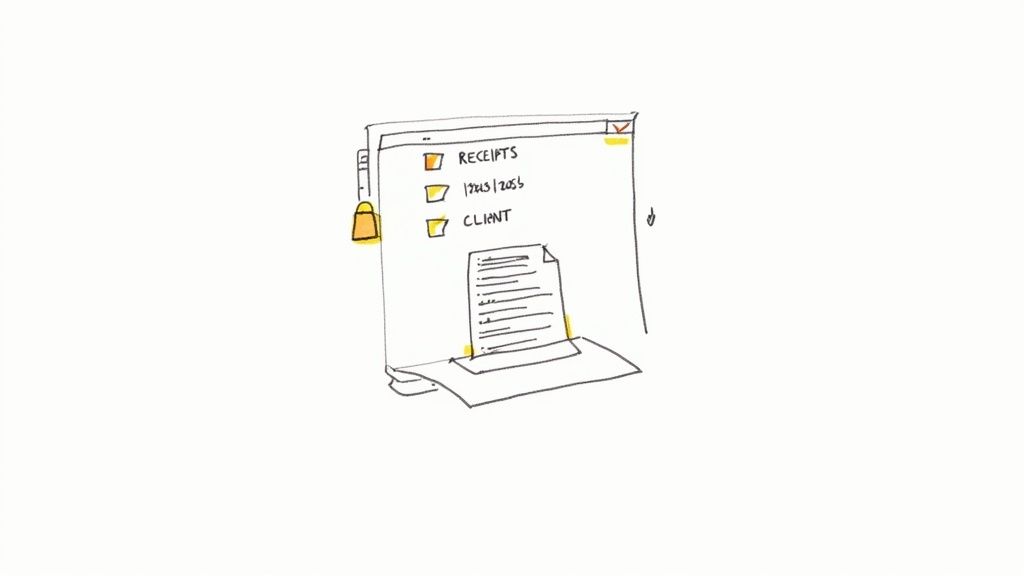
Think of each receipt as a building block for your financial history. Without a logical system, you just have a pile of bricks. But with a little organization, you can build a solid foundation for your business's health.
Build a Logical Digital Filing System
First things first: create a dedicated home for your digital receipts. It doesn't really matter if you use your computer's hard drive, Google Drive, or Dropbox; what matters is the structure. A messy desktop folder simply named "Receipts" isn't going to cut it when you’re scrambling to find something specific six months from now.
Instead, create a clear, nested folder structure that makes sense at a glance. A system I've always found effective is organizing by year, and then breaking it down by client or month.
For example, your main folder structure could look like this:
- Business Receipts
- 2024
- Client A
- Client B
- Client C
- 2025
- Client A
- Client B
- Client C
- 2024
This method keeps everything cleanly separated and makes it incredibly easy to pull all the records for a specific client or an entire tax year.
Adopt a Consistent File Naming Convention
Once your folders are set up, the next critical step is how you name the actual files. A folder full of documents named "Receipt.pdf" is a digital nightmare. A consistent naming convention lets you find what you need with a quick search, without even having to open a single file.
A great formula to follow is:
[Date]-[ClientName]-[ReceiptNumber].pdf
So, a real-world example would look like:2024-10-26-Smith-Services-1045.pdf
This simple habit makes your files instantly sortable by date and searchable by client or receipt number. It’s a small change that brings a massive amount of order to your digital records.
My Two Cents: Your goal should be to find any receipt from the last five years in under 30 seconds. A logical folder structure combined with a consistent naming convention makes that entirely possible. It's the difference between organized control and digital chaos.
This level of organization isn't just about being tidy; it's about being efficient. When you can instantly pull up proof of income, you save time that is much better spent actually growing your business.
Prioritize Data Privacy and Security
When you create a receipt, you're handling your customer's personal information. This data, even if it's just a name and an email, comes with a real responsibility to keep it secure. Using free printable receipt templates from a privacy-focused tool like ReceiptMake is a great start, since your data is processed locally on your device and never stored on their servers.
But your responsibility continues after you download that PDF.
- Secure Storage: Keep your receipt files in a password-protected folder or use an encrypted cloud service.
- Limit Access: Only share financial records with trusted parties, like your accountant or bookkeeper.
- Regular Backups: Data loss is a real threat. Always back up your receipt folder to a separate external hard drive or a secondary cloud service. Just imagine losing a year's worth of financial records—a simple backup can prevent a total catastrophe.
Protecting customer information is non-negotiable for building and keeping trust. It shows you respect their privacy and run a professional, responsible operation. A data breach, no matter how small, can do serious damage to your reputation. By taking these simple security steps, you safeguard both your business and your clients.
Got Questions About Receipt Templates? We’ve Got Answers.
When you first start using free printable receipt templates, a few questions always seem to come up. It's totally normal. Getting the right answers from the start means you can create receipts that are professional, accurate, and—most importantly—correct. Let's walk through some of the things people ask most often.
Are These Free Receipts Actually Legal?
This is probably the number one question I hear. Can a receipt I made online from a free template really be a legal document? The answer is a clear and simple yes, as long as you fill it out correctly.
A receipt’s legal standing doesn't come from a fancy design or special paper. It comes from the information it contains. Think of the template as just the container; what you put inside is what matters.
For a receipt to be considered a valid proof of purchase, it just needs to include the essentials:
- Your business name and contact info.
- Your customer’s name.
- The date the transaction happened.
- A clear description of what was sold (goods or services).
- The total amount paid, broken down with taxes or discounts.
As long as those details are on there, your receipt is a solid, legally recognized record of the sale.
How Do I Add My Logo?
Putting your logo on a receipt is the quickest way to make it look uniquely yours. It instantly builds brand recognition and trust. With tools like ReceiptMake, it’s incredibly straightforward. You'll usually find a button that says something like "Upload Logo" or "Add Image."
Just click that, find your logo file on your computer, and you’re set.
My best tip: Always try to use a logo file with a transparent background if you have one (usually a PNG file). This prevents that ugly white box from appearing around your logo, letting it blend perfectly into the receipt's design for a much cleaner, more professional look.
What's the Best Way to Number My Receipts?
Good question. For organized, stress-free bookkeeping, you can't beat a sequential numbering system. Starting with a number like 1001 and just going up from there (1002, 1003, etc.) creates a perfect audit trail. It makes finding a specific transaction a breeze, which your accountant will love come tax time.
Many receipt generators will automatically suggest the next number for you, which is a huge help.
You can also get a little more organized by adding a prefix. For example, use "2024-" at the beginning of receipts for this year (e.g., 2024-1001) or even a client-specific code like "ACME-". It just adds another layer of organization that can make your life a lot easier down the road.
Can I Save the Receipt as a PDF to Email a Client?
Of course! In fact, sending a PDF is the standard for a reason. Once you've filled out your receipt template, just look for a "Download" or "Save as PDF" button.
Saving it as a PDF locks in all the information and formatting. This is crucial because it ensures the receipt looks exactly the same on your client’s screen as it did on yours, no matter what device they're using. Plus, it prevents any accidental (or intentional) changes to the details. Attaching a clean, professional PDF to an email is the perfect way to get proof of purchase to your clients instantly.
Ready to stop worrying and start creating professional, branded receipts in just a few clicks? With ReceiptMake, you can pick from over 100 templates and generate a perfect PDF for free. No sign-up is even required. Try it now and see how easy it is to manage your transactions!

