The 12 Best Receipt Scanning Apps for Ultimate Expense Tracking in 2026
That shoebox overflowing with faded paper receipts is more than just clutter; it's a significant time drain and a source of financial-tracking errors. For small business owners, freelancers, and managers, manually entering receipt data for expense reports, tax preparation, or bookkeeping is an inefficient process prone to mistakes. The solution is to digitize and automate this task, and finding the right tool is critical. This guide is designed to help you select from the best receipt scanning apps available today, saving you hours of tedious administrative work.
We have evaluated the top platforms, from comprehensive accounting suites to simple mobile scanners, to provide a clear, actionable comparison. This isn't just a list of features. We dive into the practical details that matter most: optical character recognition (OCR) accuracy, ease of use, integration capabilities with accounting software, and specific use cases for different types of users. Whether you're a contractor needing to track job-related expenses or a store manager overseeing team spending, there's an app here tailored to your workflow.
Each review includes a direct link, pricing information, and screenshots to give you a clear view of the user experience before you commit. We'll explore how each app handles different types of documents, from a standard gas receipt to a detailed itemized invoice. By the end of this article, you will have all the information needed to choose the perfect app to eliminate manual data entry, streamline your expense tracking, and reclaim your valuable time. We also include a section comparing these scanning workflows to using a receipt generator for creating digital records from scratch.
1. Expensify
Expensify is a powerhouse in the world of expense management, earning its top spot as one of the best receipt scanning apps for its blend of simplicity and robust features. It's designed for a wide range of users, from solo freelancers tracking mileage to growing businesses needing complex approval workflows and corporate card reconciliation. Its signature feature, SmartScan, uses OCR technology to automatically pull key data like the vendor, date, and amount from a photo of a receipt, turning a tedious task into a quick snap-and-go process.
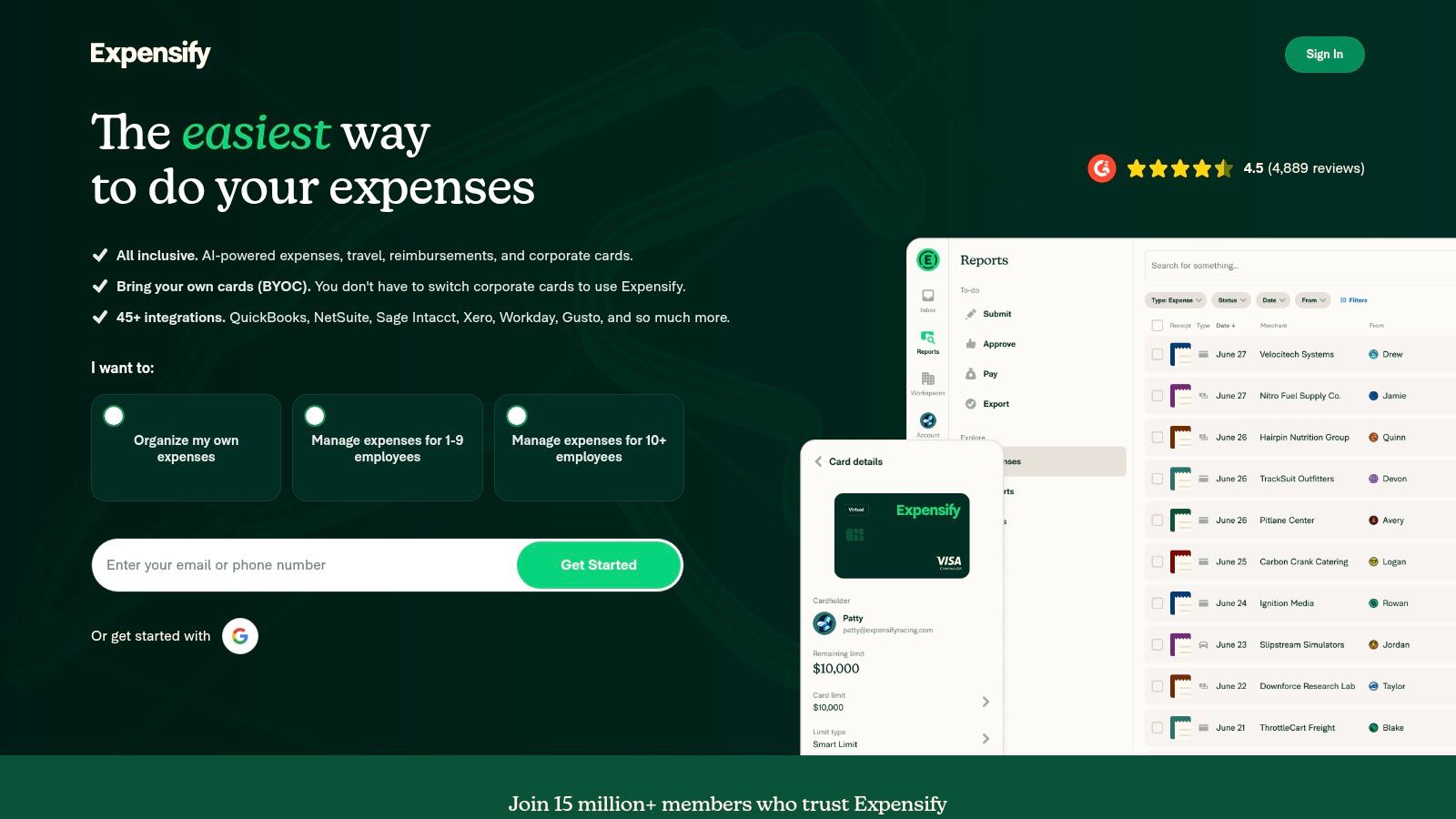
The platform’s user experience is mobile-first, built around a chat-style interface that makes submitting and approving expenses feel intuitive. It scales effectively, offering everything from basic receipt storage to multi-level approvals, per diem capabilities, and direct integrations with accounting software like QuickBooks Online and Xero. This scalability makes it a reliable choice that can grow with your business needs. If you ever need to manually create a record of a purchase, you can use a generic receipt template for your records before entering it into the system.
Key Features and Pricing
Expensify offers several tiers, but small businesses and individuals often start with the Collect plan at $5 per active user per month. This plan includes unlimited SmartScans, making it a cost-effective choice for teams focused purely on receipt capture and data extraction.
- SmartScan OCR: Unlimited and fast receipt scanning on paid plans.
- Approval & Reimbursement: Streamlines the entire expense report lifecycle.
- Integrations: Connects directly with major accounting platforms like QBO and Xero.
- Corporate Cards: Supports Expensify Card and other corporate card programs.
Pros:
- Simple, predictable pricing for core features.
- Excellent mobile app experience.
- Scales from individual use to large teams.
Cons:
- More advanced policy controls require more expensive plans.
- Can have a learning curve for setting up complex organizational rules.
Website: https://www.expensify.com
2. QuickBooks Online (Receipt Capture)
For businesses already using QuickBooks Online for their accounting, the built-in Receipt Capture feature is one of the best receipt scanning apps because it lives directly inside the ecosystem you already trust. This native tool is designed to create a seamless capture-to-ledger workflow, eliminating the need for third-party apps and manual data entry. You can snap a photo of a receipt with the mobile app or forward digital receipts to a unique email address, and QBO’s OCR technology automatically extracts the vendor, date, and amount.
The primary advantage of this tool is its deep integration. Once captured, the receipt data is queued for your review and can be matched to existing bank or credit card transactions with a single click. This direct connection ensures your books are accurate and audit-proof without switching between applications. A key advantage of many top receipt scanning apps is their seamless integration with QuickBooks Online, eliminating manual data entry and streamlining expense tracking. For any cash purchases that need documenting before scanning, a generic cash sale receipt can help maintain a paper trail.
Key Features and Pricing
Receipt Capture is included with all QuickBooks Online plans, starting with Simple Start at $30 per month. There are no per-receipt fees or user limits specifically for this feature, making it highly valuable for existing subscribers.
- Native Integration: Receipts are captured and posted directly into your accounting ledger.
- Email Forwarding: Send digital receipts to a dedicated QBO email address for processing.
- Transaction Matching: Intelligently suggests matches between uploaded receipts and bank feed transactions.
- Mobile OCR: Snap photos of receipts on the go to extract key expense data automatically.
Pros:
- All-in-one workflow for QBO users eliminates app switching.
- Reduces manual bookkeeping by directly matching and posting receipts.
- Backed by Intuit’s extensive support and help ecosystem.
Cons:
- Only available to QuickBooks Online subscribers.
- Feature access can be limited depending on user roles and permissions.
Website: https://quickbooks.intuit.com/online/
3. Shoeboxed
Shoeboxed offers a unique twist on the traditional receipt scanning app by combining digital convenience with a practical physical service. It’s an excellent solution for contractors, consultants, and small businesses drowning in paper receipts. While it has a capable mobile app for on-the-go OCR scanning, its standout feature is the "Magic Envelope" service. Users can stuff an envelope with receipts, invoices, and other documents, mail it in, and have everything digitized and human-verified for accuracy.
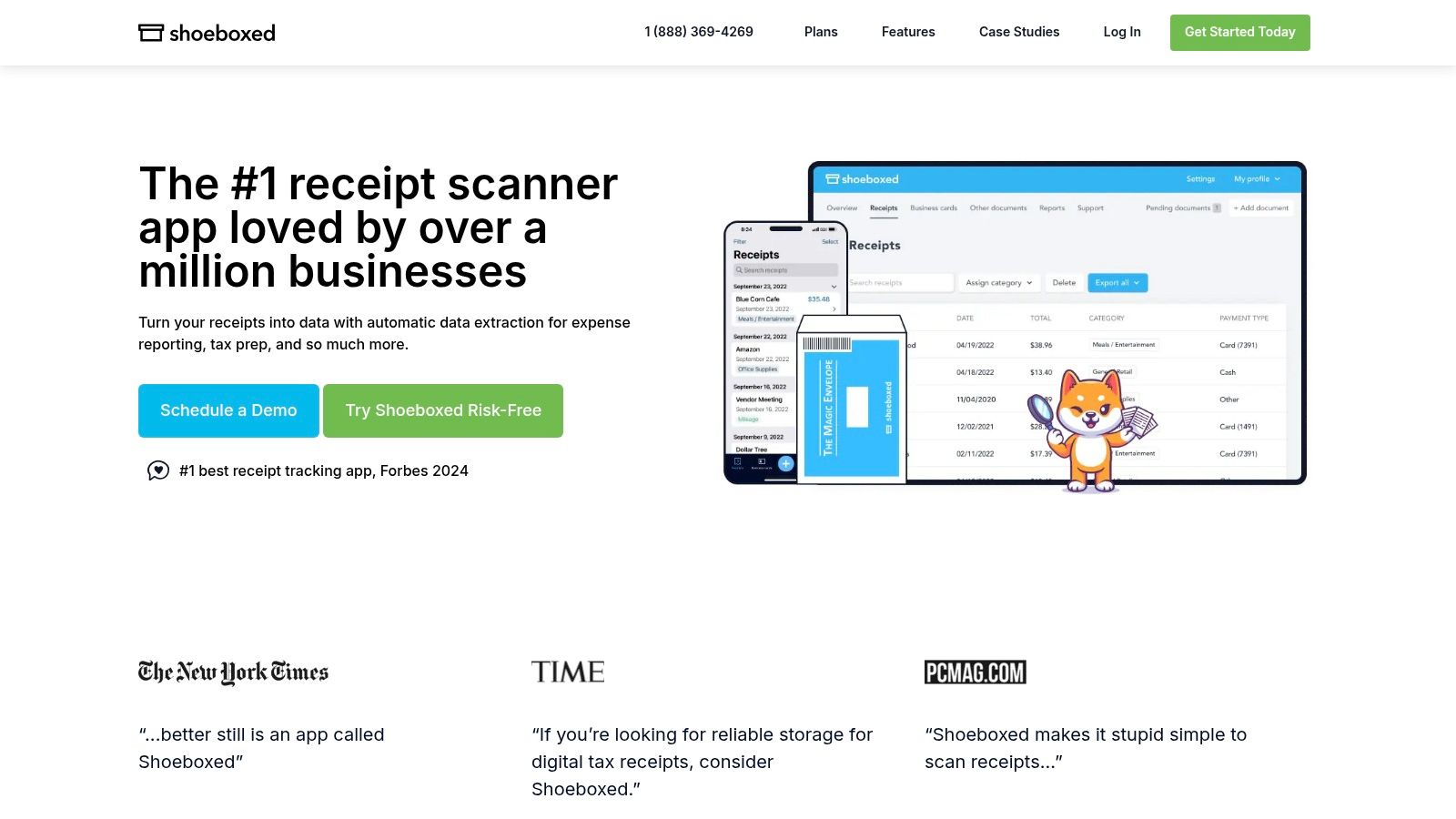
This hybrid approach makes Shoeboxed one of the best receipt scanning apps for those with a backlog of paper records or who simply prefer not to scan each item individually. The human verification step significantly boosts data accuracy, reducing the need for manual corrections. The platform then organizes this data into secure, audit-ready archives that can be exported or integrated directly with accounting software like QuickBooks and Xero. If a physical receipt is lost, creating a digital record with a blank receipt template for entry can be a useful backup.
Key Features and Pricing
Shoeboxed offers plans based on the number of documents you need processed. The Startup plan begins at $29 per month for 300 digital and physical documents, making it accessible for solo operators and small teams.
- Human Data Verification: Improves accuracy over pure OCR technology.
- Magic Envelope Service: Mail-in scanning for bulk paper receipts and documents.
- Audit-Ready Exports: Generates organized reports for tax time and bookkeeping.
- Mileage Tracking: Built-in GPS tracking is available on the mobile apps.
Pros:
- Mail-in scanning saves significant time for paper-heavy workflows.
- Human verification leads to higher data accuracy.
- Clear plan options for individuals up to larger teams.
Cons:
- Prepaid postage for mail-in envelopes is currently limited to the US.
- Paper scanning and additional services can add to the overall cost.
Website: https://www.shoeboxed.com
4. Dext Prepare (formerly Receipt Bank)
Dext Prepare, formerly known as Receipt Bank, is a heavyweight in the pre-accounting space, positioning itself as one of the best receipt scanning apps for accountants, bookkeepers, and businesses that demand precision. It's built to automate the most tedious parts of bookkeeping by accurately capturing data from receipts, bills, and invoices. The platform uses advanced AI and OCR to extract key information, including vendor details, dates, totals, and even tax amounts with high accuracy.
The system is designed for high-volume processing, offering multiple submission methods including email, a mobile app with various capture modes, and direct uploads. Dext Prepare's real strength lies in its automation rules. Users can set up specific supplier rules to automatically categorize expenses and publish them directly to integrated accounting software, significantly reducing manual data entry and potential for error. This focus on deep integration and workflow automation makes it an ideal tool for firms managing multiple clients or businesses with complex bookkeeping needs.
Key Features and Pricing
Dext Prepare offers plans for businesses starting at $30 per month for the Business Plus plan, which includes 5 user seats and up to 300 documents per month. Pricing for accounting and bookkeeping firms is customized based on client volume.
- Advanced AI/OCR Extraction: Captures data with high accuracy and includes supplier rules for auto-categorization.
- Multiple Capture Methods: Submit documents via mobile app (single, multiple, combine modes), email, or direct upload.
- Deep Integrations: Seamlessly syncs with major accounting platforms like QuickBooks Online, Xero, and Sage.
- Line-Item Extraction: An optional add-on for capturing detailed product or service information from invoices.
Pros:
- Mature workflows designed for accounting firms and multi-client setups.
- Strong document retention and compliance features.
- Scales effectively from small businesses to large accounting practices.
Cons:
- Pricing can be higher than simpler apps, and some features are add-ons.
- The best experience often requires some knowledge of accounting integrations.
Website: https://dext.com/en/products/prepare
5. Hubdoc (by Xero)
Hubdoc stands out as one of the best receipt scanning apps for businesses deeply integrated with the Xero accounting ecosystem. More than just a receipt scanner, it functions as a comprehensive document collection and data extraction tool. It automatically fetches bills, statements, and receipts from hundreds of financial institutions, utilities, and online suppliers, dramatically reducing the manual effort of chasing down paperwork.
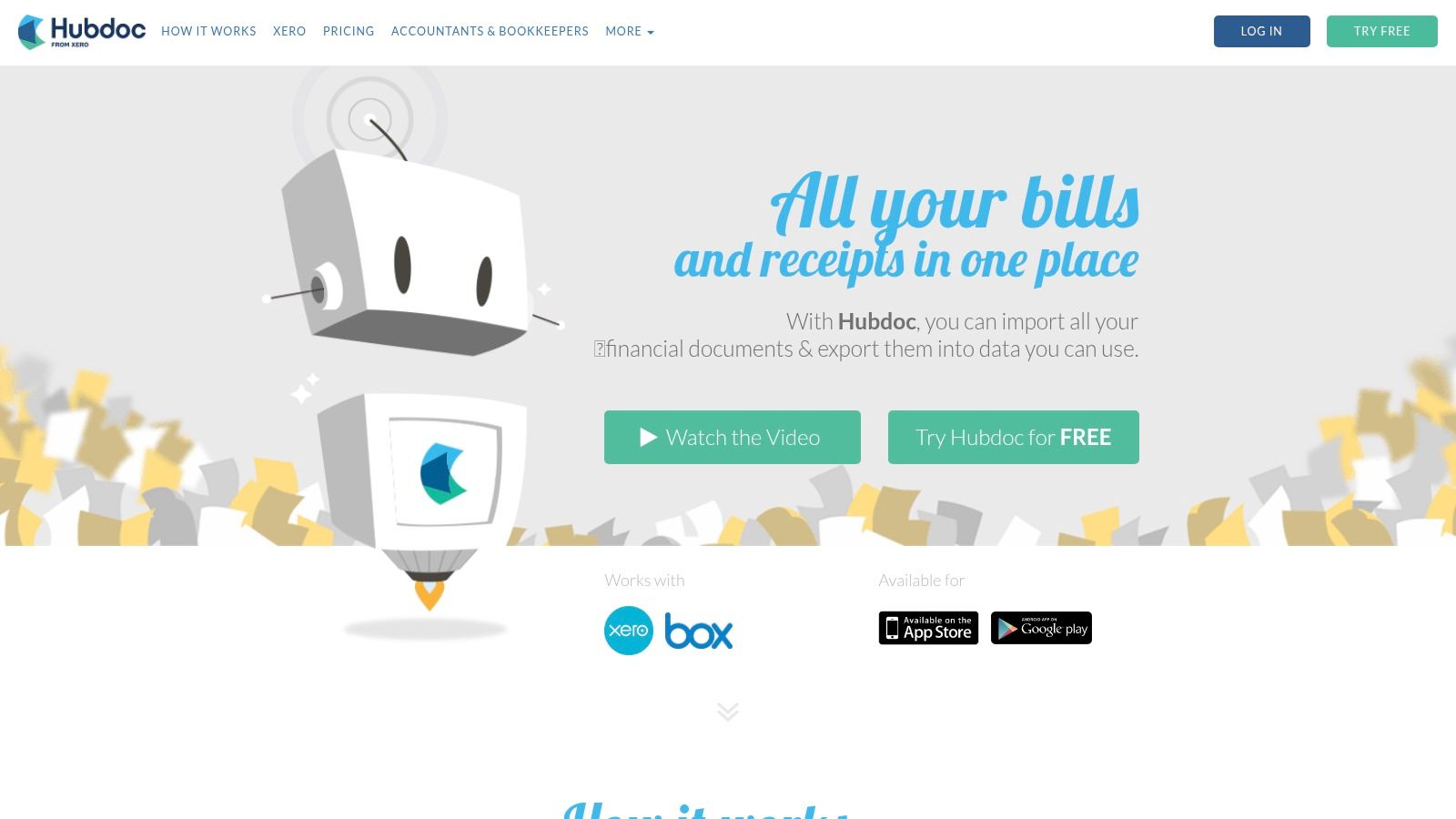
The platform extracts key information like vendor, date, and amount from uploaded or fetched documents and pushes it directly into Xero, creating clean, source-backed transactions. This creates a seamless audit trail and simplifies bank reconciliation. Its value is maximized for Xero users, as it transforms bookkeeping from a reactive, data-entry task into an automated, streamlined process. For transactions without a digital paper trail, using a basic receipt template for your records before manual entry can help maintain consistency.
Key Features and Pricing
Hubdoc's most significant advantage is its inclusion with select Xero Business Edition plans (Starter, Standard, and Premium) in many regions, including the US, at no extra cost. Stand-alone pricing and availability vary depending on your location and whether you purchase through a partner.
- Auto-Fetch Technology: Automatically pulls documents from banks and suppliers.
- Deep Xero Integration: Pushes extracted data and source documents directly into Xero.
- Multiple Capture Methods: Supports mobile app uploads, email-in, and direct connections.
- Unlimited Document Storage: Securely stores all your financial documents in the cloud.
Pros:
- Often included free with eligible Xero subscriptions.
- Significantly reduces manual data entry and document chasing.
- Creates a reliable and easily accessible audit trail within Xero.
Cons:
- Best value is tied directly to being a Xero subscriber.
- Stand-alone utility and pricing are less competitive compared to other apps.
Website: https://www.hubdoc.com
6. Zoho Expense
Zoho Expense is a comprehensive expense management solution that shines as one of the best receipt scanning apps, particularly for small to medium-sized businesses and those already invested in the Zoho ecosystem. It offers a powerful suite of tools that go beyond simple receipt capture, including detailed policy controls, multi-level approval workflows, and extensive international support. The platform’s Autoscan feature effectively extracts data from receipts submitted via the mobile app, email, or even a drag-and-drop web uploader.
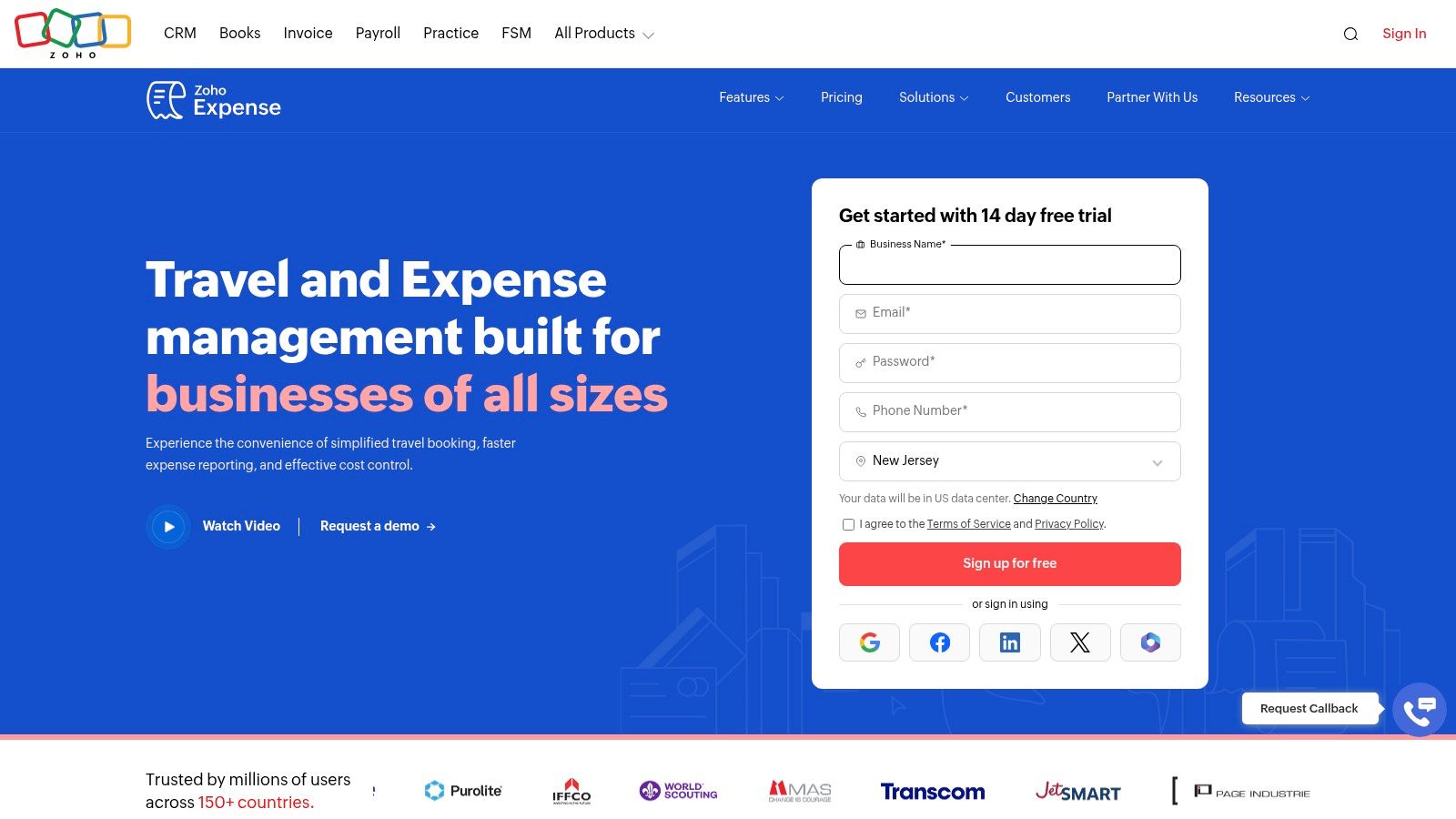
What sets Zoho Expense apart is its seamless integration with other Zoho products like Zoho Books and Zoho CRM, creating a unified business management environment. This makes it an incredibly efficient choice for existing Zoho users. The app supports multiple languages and currencies, which is a major advantage for companies with a global presence. For any manual entries, you can keep a consistent record format using a standard business receipt template before inputting the data into the system.
Key Features and Pricing
Zoho Expense offers a generous Free plan for up to 3 users, which includes 20 autoscans per user per month. The Premium plan is competitively priced at $5 per active user per month (billed annually) and provides unlimited receipt scanning and more advanced features.
- Multilingual Autoscan: Captures receipt data via mobile, email, and web upload across multiple languages.
- Deep Zoho Integration: Connects natively with Zoho Books, CRM, and other apps.
- Corporate Card Reconciliation: Simplifies matching card transactions with receipts.
- Policy & Approval Workflows: Enforces spending policies with customizable rules.
Pros:
- Excellent value with a free tier and competitive per-user pricing.
- Deep integration across the entire Zoho suite.
- Strong internationalization features (languages and currencies).
Cons:
- Some users report occasional quirks with features like email forwarding.
- Advanced support tiers and certain features may have additional costs.
Website: https://www.zoho.com/expense/
7. SAP Concur Expense
SAP Concur is an enterprise-level titan in the travel and expense management industry, making it one of the best receipt scanning apps for large organizations with complex compliance needs. It’s designed for mid-to-large businesses that require rigorous policy enforcement, multi-level approval workflows, and deep integration into their existing financial systems. Its mobile feature, ExpenseIt, uses OCR to capture key data from receipts, but its true strength lies in how this data flows through a powerful, rules-based system.
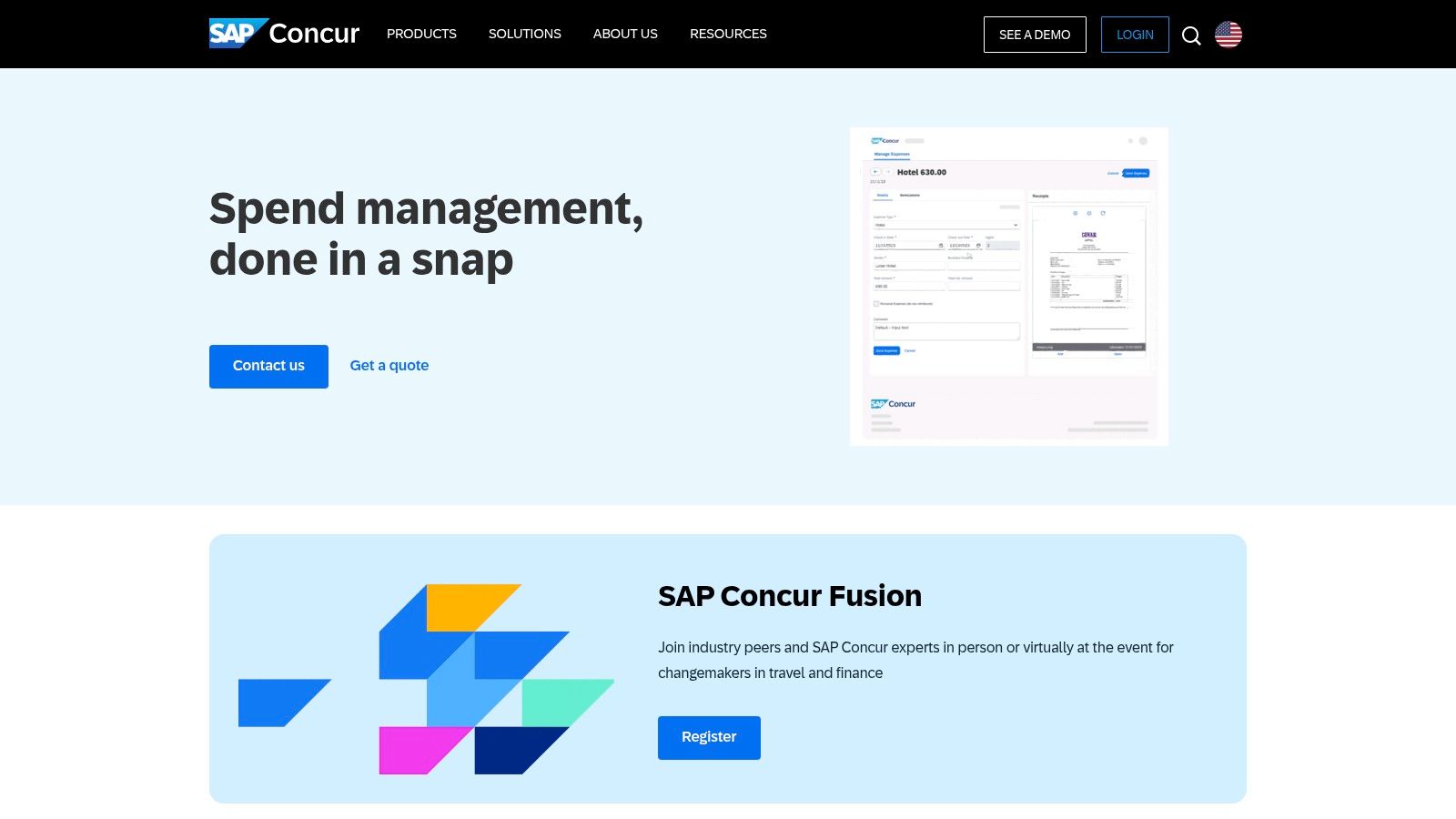
The platform goes far beyond simple scanning by integrating corporate card feeds, travel booking, and advanced analytics into a single, cohesive environment. This allows for complete visibility and control over employee spending. For instance, a detailed restaurant bill template can be captured and automatically checked against company meal policies. While its complexity can be overwhelming for smaller teams, it is an unparalleled solution for corporations needing robust audit trails and scalable expense control.
Key Features and Pricing
SAP Concur’s pricing is quote-based, tailored to the specific needs and size of an organization, which reflects its enterprise focus. It’s a premium solution intended for companies managing significant employee-initiated spending.
- ExpenseIt Mobile Capture: Powerful OCR for on-the-go receipt scanning.
- Policy & Approvals: Enforces complex spending rules and multi-step approval chains.
- Corporate Card Integration: Automates reconciliation with major corporate card programs.
- Advanced Analytics: Provides deep insights into company-wide spending patterns.
Pros:
- Extremely robust for compliance and scaling in large organizations.
- Highly-rated mobile companion app for capture and reporting.
- Extensive ecosystem and strong vendor support.
Cons:
- Pricing is quote-based and can be costly for smaller teams.
- Implementation and configuration can be a significant undertaking.
Website: https://www.concur.com/
8. Veryfi (Expense Management App)
Veryfi positions itself as one of the best receipt scanning apps for users who prioritize speed, accuracy, and data security. It leverages an AI-only OCR engine, meaning no human intervention is involved, which ensures both rapid data extraction and a high level of privacy (SOC 2, HIPAA, GDPR, and CCPA compliant). This makes it an excellent choice for contractors, field service teams, and businesses handling sensitive information who need near-instant receipt processing without waiting for human verification.
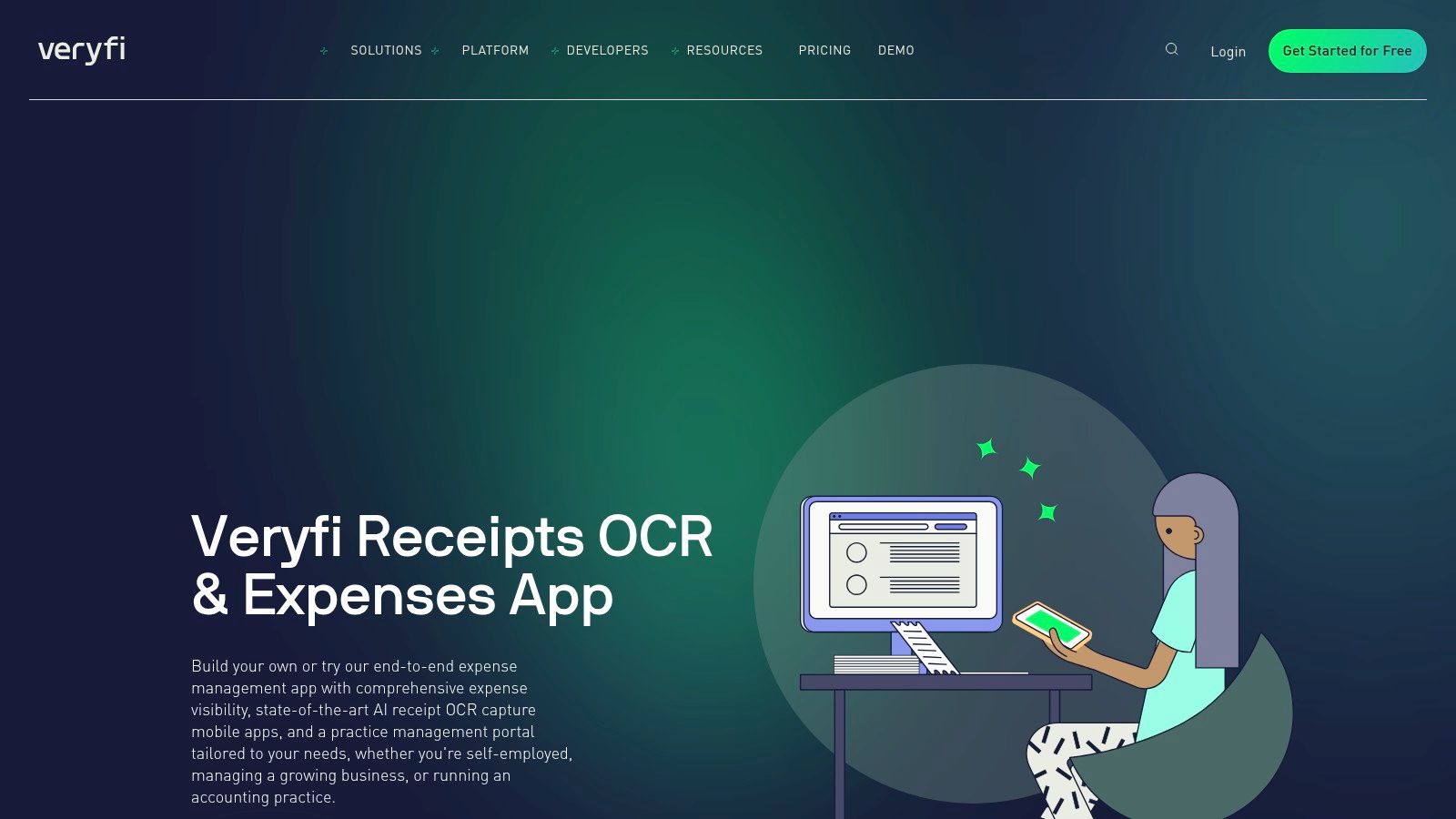
The platform is built for efficiency, capturing not just the total amount but also line-item details from receipts and bills. Users can easily tag expenses to specific projects or customers directly within the mobile or web app, streamlining job costing and client billing. While the mobile app has a limit on line-item extraction, it’s more than sufficient for most day-to-day purchases. For expenses where a digital copy is unavailable, you can create a record using a cash payment receipt template before uploading it.
Key Features and Pricing
Veryfi’s Expense Management App plan is priced at $8 per active user per month. This tier provides the core functionality needed for small to medium-sized businesses focused on efficient expense tracking and reporting.
- AI-Powered OCR: Delivers extremely fast, machine-only extraction of receipt and bill data.
- Line-Item Extraction: Captures individual items from receipts for detailed records (in-app limits apply).
- Project & Customer Tagging: Simplifies expense allocation for job costing and reporting.
- Accounting Sync: Integrates with platforms like QuickBooks Online and Xero.
Pros:
- Extremely fast, machine-based extraction with a strong privacy focus.
- Well-suited for contractors and field teams needing speed.
- Clear and straightforward pricing for its SMB app.
Cons:
- Mobile app limits line-item extraction to around 10 items per document.
- The per-active-user pricing model can become costly for larger teams.
Website: https://www.veryfi.com/expense-management-app/
9. Rydoo
Rydoo positions itself as a modern and intuitive expense management tool, making it one of the best receipt scanning apps for mid-sized businesses and enterprises seeking a streamlined, mobile-first workflow. It’s designed to eliminate manual data entry with a fast, AI-powered scanning engine that processes receipts in seconds. The platform focuses heavily on user experience, ensuring that employees can capture, submit, and get approvals for expenses with minimal friction.
What sets Rydoo apart is its strong emphasis on compliance and policy automation, making it ideal for companies operating across different countries with varying regulations. It supports complex approval flows, per diem rates, and mileage tracking, all while integrating seamlessly with major ERP, finance, and HR systems. For transactions where a digital receipt isn't available, you could create a record using a cash payment receipt template before uploading it for documentation.
Key Features and Pricing
Rydoo’s pricing is competitive, with plans like its Essentials package starting at $12 per active user per month (billed annually, with a 5-user minimum). This tier includes unlimited expense submissions and real-time reporting.
- AI-Powered Scanning: Captures receipt data quickly and accurately.
- Policy & Approvals: Automates compliance with multi-level approval workflows.
- Global Compliance: Manages per diems, mileage, and international regulations.
- Wide Integrations: Connects with popular ERP and finance software.
Pros:
- Clear, mobile-first workflow for easy submissions.
- Strong compliance features for multi-country businesses.
- Competitive per-user pricing with unlimited expenses.
Cons:
- Pricing plans often have a minimum user count (e.g., 5 users).
- Advanced features may require upgrading to higher-tier plans.
Website: https://www.rydoo.com
10. Adobe Scan
Adobe Scan positions itself as one of the best receipt scanning apps for users who need a high-quality, free tool for digitizing paper. While not a dedicated expense management platform, it excels at its core function: turning physical receipts into clean, searchable PDF documents. It uses powerful OCR technology to recognize text, making it easy to find a specific receipt later by searching for a vendor or item. Its strength lies in its simplicity and integration within the familiar Adobe ecosystem.
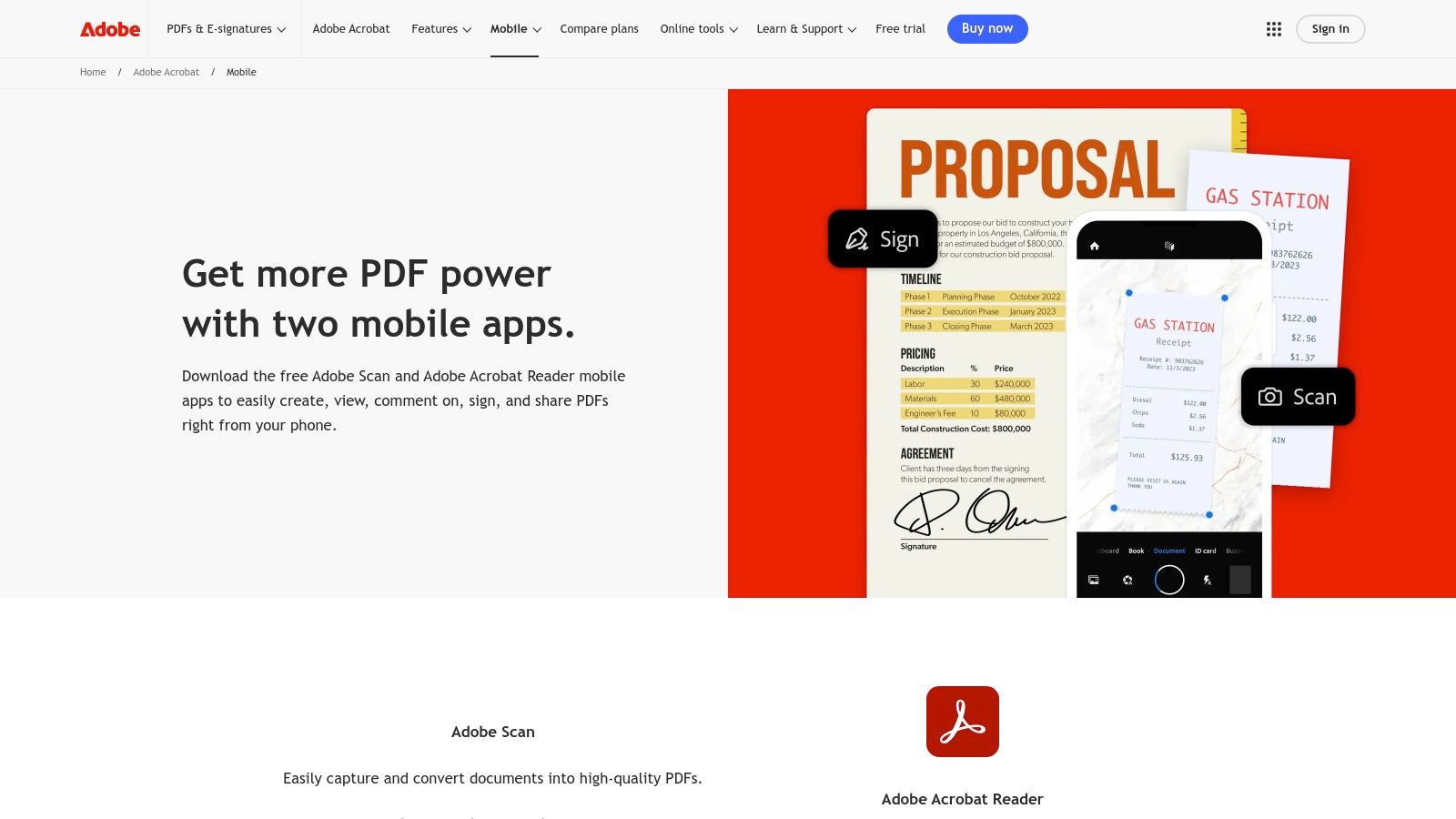
The app is perfect for freelancers or small business owners who primarily need a reliable way to archive receipts for record-keeping or manual entry into another system. The automatic edge detection and image cleanup features ensure every scan is clear and professional. Users can easily compile multiple receipts into a single PDF and share it via email or cloud storage. While it lacks automated expense tracking, its output can be used with various receipt templates for business records to maintain organized documentation.
Key Features and Pricing
Adobe Scan is a free app for iOS and Android, with optional in-app purchases for advanced PDF editing features available through an Adobe Acrobat Pro subscription. The core scanning and OCR capabilities are completely free.
- High-Quality Scanning: Auto-captures and cleans up images for crisp, readable PDFs.
- OCR Technology: Makes all scanned text searchable within the PDF.
- Adobe Ecosystem Integration: Seamlessly works with Adobe Acrobat on mobile and desktop.
- Multi-Page & Export: Easily scan multiple receipts into one file and export as a PDF.
Pros:
- Completely free for core scanning and OCR features.
- Excellent image quality and reliable text recognition.
- Integrates perfectly into the Adobe PDF workflow.
Cons:
- No expense management, approvals, or reimbursement features.
- Lacks direct integrations with accounting software.
- Advanced PDF editing requires a paid subscription.
Website: https://www.adobe.com/acrobat/mobile.html
11. Genius Scan (The Grizzly Labs)
Genius Scan carves out its niche as one of the best receipt scanning apps by focusing purely on high-quality document and receipt capture. Rather than being a full-fledged expense management system, it excels as a powerful, privacy-focused scanner in your pocket. It is ideal for individuals and small teams who need a dependable tool to digitize receipts with features like perspective correction, image enhancement, and robust export options. The app makes capturing clear, legible copies of receipts incredibly simple.
The platform’s strength lies in its straightforward, scanner-first approach. It doesn't bog you down with approval workflows or policy controls; it just scans documents exceptionally well. After scanning, you can use its built-in OCR to extract text, add tags for organization, and export your files to virtually any major cloud service. If you've lost a physical receipt but have the details, you can create a new record with a simple receipt template and then scan it into the app to maintain a complete digital archive.
Key Features and Pricing
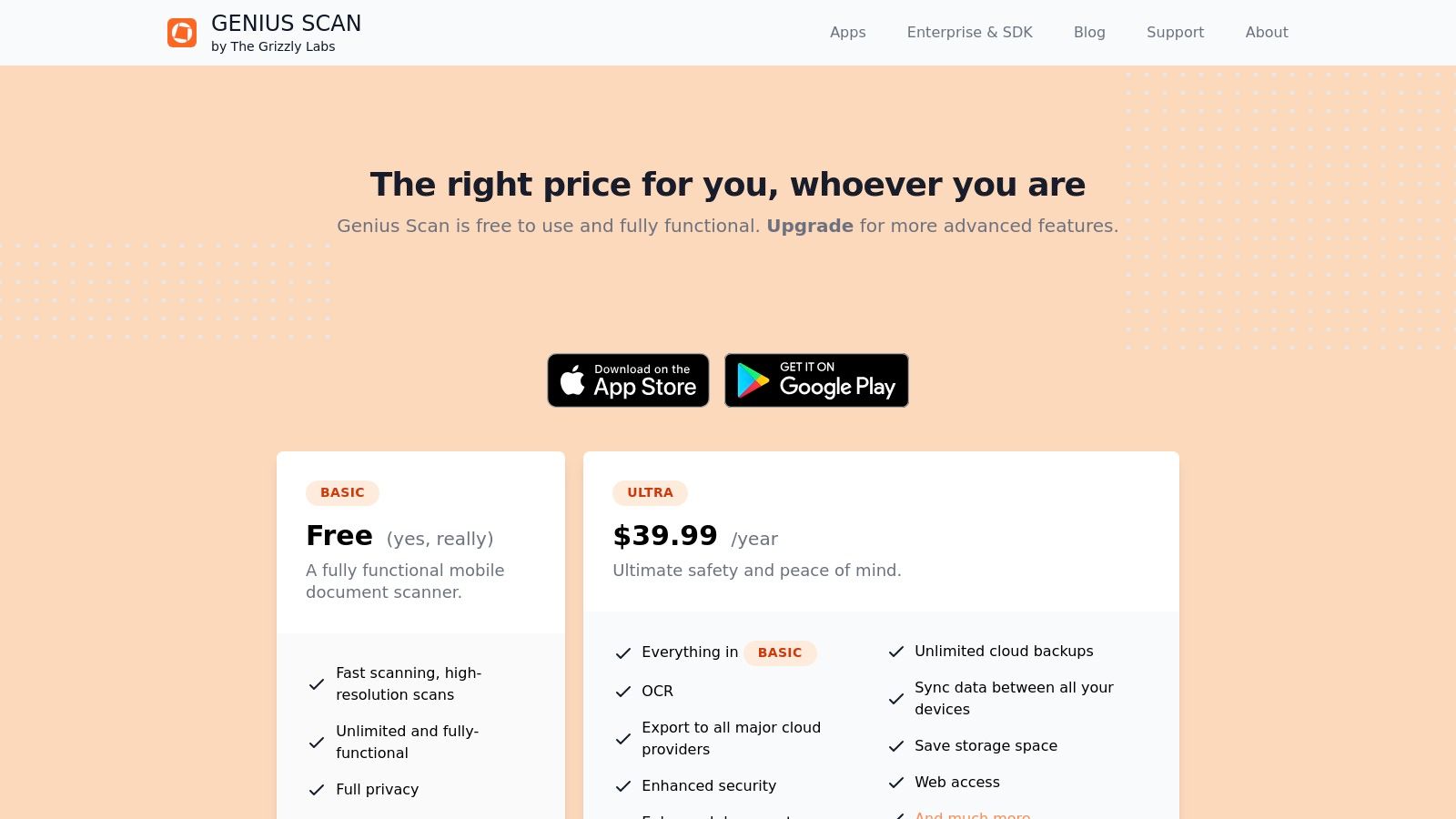
Genius Scan offers a free version with basic scanning capabilities. For more advanced features, the Genius Scan+ is a one-time purchase of $9.99, while the Genius Scan Ultra subscription adds unlimited cloud backup and web access. Team licenses are also available with volume discounts.
- High-Quality Capture: Automatic perspective correction and image cleanup for clear scans.
- OCR and Tagging: Extracts text from documents and allows for easy organization.
- Broad Export Options: Sends scans to email, Dropbox, Google Drive, and more.
- Privacy-Focused: No account is required for basic use, and processing happens on-device.
Pros:
- Excellent, reliable scanner for both receipts and documents.
- Good value with a one-time purchase option and team discounts.
- Privacy-friendly, on-device processing.
Cons:
- Not a true expense management system; lacks approvals or reporting.
- Sync and unlimited backup features require a subscription plan.
Website: https://thegrizzlylabs.com/genius-scan/pricing
12. Evernote Scannable
Evernote Scannable excels as a straightforward, high-speed document and receipt scanner, making it one of the best receipt scanning apps for iOS users already embedded in the Evernote ecosystem. Rather than being a full-fledged expense management tool, its primary strength is rapid capture. The app automatically detects the edges of a receipt, snaps a picture, and enhances the image for clarity, turning stacks of paper into clean digital files in seconds.
The workflow is designed for efficiency: capture now, organize later. Scans are saved directly into your Evernote account, where you can add tags, notes, and organize them into specific notebooks for business or personal use. This makes it ideal for freelancers and small business owners who prioritize quick, high-quality digital archiving over automated data extraction. For expenses where a digital copy is needed but no physical receipt exists, you can create one using a cash payment receipt template and scan it directly into the system.
Key Features and Pricing
Evernote Scannable is free to use when saving directly to an Evernote account, with the storage limits of your Evernote plan applying. A subscription may be needed for unlimited sharing or saving to your camera roll, but the core functionality is free.
- Automatic Capture: Instantly finds, crops, and enhances documents.
- Direct Evernote Integration: Seamlessly saves all scans to your Evernote notebooks.
- Export Options: Share scans as high-quality PDF or JPG files.
- Multi-Page Scanning: Quickly captures multiple documents in a single session.
Pros:
- Extremely fast and simple capture process.
- Free to use with an Evernote account.
- Produces high-quality, clear digital scans.
Cons:
- Only available for iOS users; no Android version.
- Lacks the OCR data extraction of dedicated expense apps.
- Advanced sharing features might require a paid Scannable subscription.
Website: https://evernote.com/products/scannable
Top 12 Receipt Scanning Apps — Feature Comparison
| Product | Core features ✨ | UX / Quality ★ | Price / Value 💰 | Target audience 👥 | Standout / Excellence 🏆 |
|---|---|---|---|---|---|
| Expensify | ✨ SmartScan OCR, approvals, corp‑card support, QBO/Xero sync | ★★★★ Mobile-first, chat-style | 💰 $5/member/mo base; higher tiers add features | 👥 Freelancers, SMBs, growing teams | 🏆 Fast SmartScan + easy scaling |
| QuickBooks Online (Receipt Capture) | ✨ Mobile OCR, email‑in, auto‑match to transactions, post to books | ★★★★ Integrated capture-to-ledger | 💰 Bundled with QBO (best value if on QBO) | 👥 QBO users, small businesses needing bookkeeping | 🏆 Direct auto-match into accounting |
| Shoeboxed | ✨ Mobile OCR + human verification, mail‑in "Magic Envelope", exports | ★★★ Human-verified accuracy | 💰 $–$$ (mail‑in & extras add cost) | 👥 Contractors, small teams with paper backlog | 🏆 Mail‑in scanning + human QC |
| Dext Prepare | ✨ AI/OCR, supplier rules, multi-capture, optional line‑item extraction | ★★★★ Accountant-grade workflows | 💰 $$, add-ons for advanced features | 👥 Accounting firms, compliance-focused businesses | 🏆 Firm workflows & compliance features |
| Hubdoc (by Xero) | ✨ Auto‑fetch from banks/suppliers, mobile/email capture, push to Xero | ★★★★ Seamless Xero integration | 💰 Included with some Xero plans / $$ otherwise | 👥 Xero users, bookkeepers | 🏆 Auto‑fetch + unlimited storage into Xero |
| Zoho Expense | ✨ Autoscan, duplicate detection, card feeds, approval workflows | ★★★★ Multilingual, international-ready | 💰 Competitive per-user pricing, free tier | 👥 SMBs, Zoho ecosystem & international teams | 🏆 Deep Zoho integration + strong intl support |
| SAP Concur Expense | ✨ ExpenseIt capture, multi‑level approvals, card feeds, analytics | ★★★★★ Enterprise-grade, robust | 💰 $$$ (quote-based; costly for small teams) | 👥 Mid-to-large enterprises with complex policy needs | 🏆 Scale, compliance & analytics for large orgs |
| Veryfi | ✨ Extremely fast AI OCR, line‑item extraction (limits), privacy compliance | ★★★★ Near-instant extraction | 💰 $$ (per-active-user; SMB pricing available) | 👥 Contractors, field teams needing speed & privacy | 🏆 Speed + privacy (SOC2/HIPAA/GDPR) |
| Rydoo | ✨ AI scanning, approvals, mileage/per‑diem, card reconciliation | ★★★★ Mobile-first, clear workflow | 💰 $-$$ competitive per-user (min users apply) | 👥 SMBs → enterprises with mobile needs | 🏆 Mobile UX + multi-country compliance |
| Adobe Scan | ✨ Auto-capture, image cleanup, OCR → searchable PDFs, Acrobat sync | ★★★★ High-quality scans & cleanup | 💰 Free core app; premium Adobe add-ons | 👥 Individuals needing PDFs or archival scans | 🏆 Adobe PDF ecosystem integration |
| Genius Scan (The Grizzly Labs) | ✨ Perspective correction, OCR, tagging, cloud export, team licensing | ★★★★ Dependable, privacy-minded scanner | 💰 $-$$ (paid plans for sync/backups) | 👥 Individuals & small teams wanting reliable scans | 🏆 Reliable capture + team licensing options |
| Evernote Scannable | ✨ Auto-detect/crop/enhance, save to Evernote, export as PDF/JPG | ★★★ Very fast iOS capture | 💰 Free with Evernote (some limits may apply) | 👥 Evernote users, iOS-only users | 🏆 Ultra-fast capture with Evernote sync |
Final Verdict: Choosing the Right App for Your Workflow
Navigating the landscape of receipt scanning apps can feel overwhelming, but making an informed choice boils down to understanding your specific workflow and business needs. We've explored a dozen powerful tools, from comprehensive expense management suites like Expensify and SAP Concur to simpler, dedicated scanners like Adobe Scan and Genius Scan. The right choice isn't about finding a single "best" app; it's about finding the best fit for you.
The key takeaway is that no two businesses or freelancers are exactly alike. A solo contractor might find the streamlined, mobile-first experience of Zoho Expense perfectly sufficient, while a growing retail store with multiple employees will benefit immensely from the advanced automation and approval workflows found in Dext Prepare or Rydoo. The goal is to move beyond manual data entry, reduce human error, and reclaim valuable time.
How to Make Your Final Decision
To cut through the noise and select the ideal tool, ask yourself these critical questions. Your answers will point you directly to the right category of app.
- What is my primary goal? Is it simply to digitize and store receipts for tax time (like with Shoeboxed or Evernote Scannable), or do I need full-scale expense reporting and reimbursement automation (like with Expensify or SAP Concur)? Defining your core objective is the most important first step.
- What is my existing software ecosystem? If your business finances already run on QuickBooks Online or Xero, their native receipt capture tools (QuickBooks Receipt Capture and Hubdoc) are the most logical and seamless starting points. Their deep integration eliminates compatibility issues and streamlines your accounting process. When selecting the ideal receipt scanning app, it’s often beneficial to consider how it integrates with broader financial management tools, such as the best accounting software for small businesses.
- What is my budget? Your budget will be a major deciding factor. Free tools like Adobe Scan are excellent for basic PDF creation, but they lack the OCR intelligence and automation of paid platforms. Tiered pricing models, like those offered by Zoho Expense and Veryfi, allow you to scale up as your business grows. Always evaluate the return on investment; the monthly fee for an app like Dext Prepare could save you dozens of hours in manual bookkeeping, making it a cost-effective choice.
- How important is data accuracy and speed? If you need near-instant data extraction for real-time expense tracking, a solution like Veryfi, which boasts industry-leading OCR speed and accuracy, is a top contender. For those who can wait a few hours and prefer human verification for maximum accuracy, Shoeboxed's service is unparalleled.
Final Recommendations Based on Your Role
Let's distill our findings into actionable advice for our target audience:
- For Freelancers & Solopreneurs: Your focus should be on simplicity, affordability, and integration. Zoho Expense offers a fantastic free tier that covers all the basics, while QuickBooks Online is the go-to if you already use their accounting platform. Adobe Scan is a great no-cost option for simple digitization without the accounting bells and whistles.
- For Small Business Owners & Store Managers: You need automation, control, and scalability. Dext Prepare is a powerhouse for automating data entry directly into your accounting software. Expensify excels at managing team expenses and creating multi-level approval workflows. Hubdoc is a must-have for any business running on the Xero platform.
- For Teams Needing Expense Reporting: If your primary need is managing employee-submitted expenses, reimbursements, and corporate card reconciliation, look no further than Expensify or SAP Concur. Their robust policy controls and automated reporting features are designed specifically for this purpose.
Ultimately, choosing one of the best receipt scanning apps is an investment in your financial organization and efficiency. By aligning an app's core strengths with your unique operational needs, you can transform a tedious administrative task into a streamlined, automated, and error-free process.
Lost a receipt or need a specific one for your records? For situations where scanning isn't an option, ReceiptMake provides a powerful solution. Create custom, realistic receipt templates for any situation, from a simple gas station receipt to a detailed hotel invoice, ensuring your financial records are always complete.

