How to Create a Receipt for Payment A Practical Guide
A good receipt is more than just a slip of paper—it’s your final handshake with a customer. It’s the official record that confirms a transaction is complete, and getting it right is crucial for your bookkeeping, your customer’s records, and building trust.
So, what information absolutely has to be on there? Let's break it down.
The Anatomy of a Professional Payment Receipt
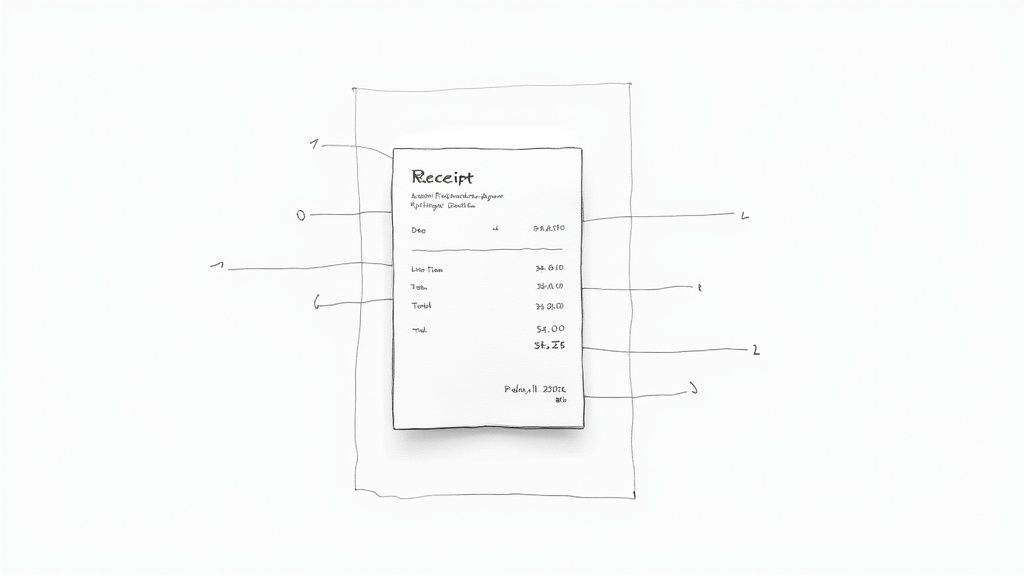
Before you even think about design, you need to understand what turns a simple "thanks for your payment" note into a professional, legally-sound receipt. Getting these details right from the start protects your business from disputes and makes tax time a whole lot smoother.
This isn’t just a modern business quirk. The practice of issuing receipts has deep roots, dating back to the rise of global trade between the 15th and 17th centuries. As merchants began trading over long distances, a formal record became essential to build trust. By the 1600s, it was standard practice. Today, that piece of paper (or email) is a legal document that protects everyone involved. You can dive deeper into the history of global payments in this McKinsey & Company report.
Essential Elements of a Valid Payment Receipt
Every piece of information on a receipt has a job to do. From identifying who sold what to whom, to breaking down the costs, these components create a complete financial story. Miss one, and you could be setting yourself up for a headache down the road.
Here’s a quick-reference checklist of everything you need to include on every single receipt you issue.
| Element | Why It's Important | Example |
|---|---|---|
| Your Business Info | Clearly identifies you as the seller and makes it easy for customers to contact you. | Your Company LLC, 123 Main St, Anytown, USA 12345 |
| Unique Receipt Number | Provides a specific ID for each transaction, which is critical for tracking and audits. | Receipt #00152 |
| Customer Details | Links the purchase directly to the person or company who paid. | Jane Doe or Acme Corporation |
| Transaction Date | Records when the payment was made, a must-have for proper accounting. | October 26, 2023 |
| Itemized List | Details exactly what was purchased, preventing confusion or disputes. | 2 x "Web Design Service," 1 x "Monthly Hosting" |
| Subtotal | Shows the total cost before any taxes or discounts are applied. | $950.00 |
| Taxes & Discounts | Clearly explains any extra charges or savings applied to the subtotal. | Sales Tax (8%): $76.00, Discount: -$50.00 |
| Total Amount Paid | The final, all-inclusive amount the customer paid. It’s the bottom line. | $976.00 |
| Payment Method | Confirms how the payment was made, useful for both parties' financial records. | Credit Card (Visa **** 1234) |
Having these elements in place makes your receipt a reliable and professional document. For a simple and effective layout, check out this Generic POS Receipt Template to see how it all comes together.
Detailing the Financials
Beyond the basic who, what, and when, the financial breakdown is the core of any receipt. This is where you transparently show your customer exactly what their money paid for.
A clear, itemized receipt prevents future disputes and answers customer questions before they are even asked. It’s a proactive step in providing excellent customer service and maintaining transparent financial practices.
A solid breakdown should include a description of each product or service, the quantity, the price per unit, and the total for that line item. After that, you simply lay out the math: the subtotal, any applicable taxes (like sales tax or VAT), any discounts you applied, and finally, the grand total.
The last piece of the puzzle is noting the payment method. Whether they paid with cash, a credit card, or a bank transfer, including this detail officially closes the loop on the transaction.
How to Create Your First Receipt with ReceiptMake
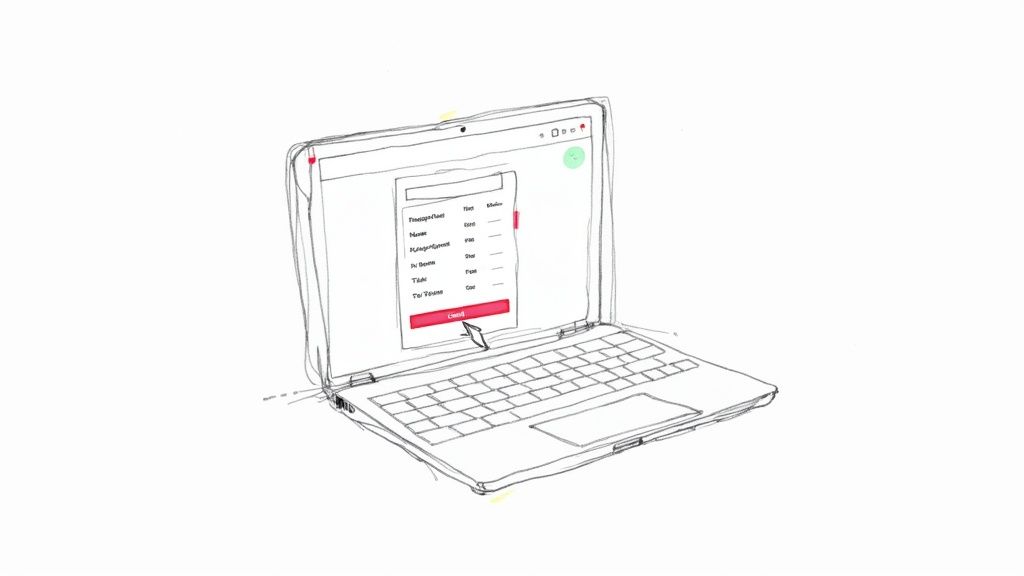
Okay, let's move from theory to practice. This is the fun part. Forget messing around with spreadsheets or trying to get a Word doc to look right. Using a dedicated tool like ReceiptMake gets a professional receipt into your customer's hands in minutes, and you don't have to second-guess whether you've included all the important details.
The whole process is incredibly straightforward. It’s designed to walk you from a blank page to a finished, polished document you can feel good about sending.
Let's build your first one right now.
Find a Template That Fits
First things first, you need to pick a template that actually makes sense for your business. A coffee shop receipt looks very different from one a freelance web developer sends out. The right template immediately sets a professional tone.
ReceiptMake has a whole library of options built for different kinds of work. Think about what you're selling.
- Selling products? A simple Retail Receipt with clean columns for items, quantity, and price is your best bet.
- A contractor or freelancer? The Service Receipt Template gives you space to properly break down labor and materials.
- Running a cafe or restaurant? Look for a layout like a Cash Receipt Template that has a spot for tips and individual order items.
Starting with the right foundation makes everything else a breeze and ensures the final receipt looks like it came from a pro, not an amateur.
Add Your Branding and Business Info
With a template chosen, it's time to make it yours. The single fastest way to build trust and look legitimate is to add your logo. A branded receipt just feels more official and keeps your business top-of-mind.
Just upload your logo file, and it'll pop right into the header. If you want to go a step further, you can even tweak the colors to match your brand's style, keeping your communication consistent. It's a small detail that makes a huge difference.
A well-branded receipt does more than just confirm a payment; it acts as a mini-advertisement, reminding customers of your professionalism and attention to detail long after the sale is complete.
After that, you'll plug in your business details—name, address, phone number, etc. The great thing is you only have to do this once. The next time you create a receipt, all that info will be saved and ready to go.
Fill in the Transaction and Finalize It
Now for the final stretch: the transaction details. This is where you'll add the itemized list of what the customer bought, along with quantities and prices. The software does all the math for you, calculating the subtotal as you go.
Next, you’ll apply any taxes or discounts. For instance, if you gave a client a 10% discount for being a new customer, you can add it as a separate line item. The total updates instantly, which is a lifesaver for avoiding manual math errors that can make you look sloppy.
All that's left is to mark how they paid and hit download.
You can generate a professional receipt in just a few clicks, ready to be emailed or printed. The entire workflow is built for speed and accuracy, so you can stop worrying about receipts and get back to running your business.
Choosing the Right Receipt for Any Situation
Let's be honest: a one-size-fits-all receipt just doesn't cut it. The kind of receipt a freelance designer needs is worlds away from what you’d get for a cash purchase at a flea market. Picking the right format isn't just about looking professional—it’s about providing the proper documentation for different kinds of transactions.
This has never been more important. In 2023, global payments revenue shot up to around $2.4 trillion. And with digital wallets now processing over $10 trillion a year, clear and consistent electronic records are a must. A generic receipt just creates headaches, but a well-chosen one builds trust and makes accounting easier for everyone. You can find more fascinating stats about the growth of global payments on planergy.com.
Receipts for Service-Based Businesses
If you’re a freelancer, consultant, or contractor, your receipt needs to tell the story of the work you did. A simple list of products won’t work here. You need to clearly break down the services you provided, often including your hourly rate, project milestones, or the specific tasks you knocked out.
Think of a web developer. Their receipt might look something like this:
- Homepage Design: 15 hours @ $75/hour
- E-commerce Integration: 10 hours @ $75/hour
- Client Revisions (Round 1): 3 hours @ $75/hour
This level of detail shows exactly where the money went and gives both you and your client a solid record of the work. It’s the best way to avoid those "what did I actually pay for?" questions down the road. This is a pretty standard approach for anyone figuring out how to create a receipt for payment in a service industry.
Handling Retail and Cash Transactions
In retail, it’s all about speed and clarity. The receipt should focus on the physical products sold. Every line needs to show the product name, how many were bought, and the price for each. A Cash Receipt Template is ideal for these straightforward sales, giving the customer immediate proof of purchase without any extra fluff.
And when cash changes hands, the receipt is often the only official record of that sale. It’s a safety net for both you and your customer, confirming how much was paid and when. That little piece of paper becomes critical for any returns, exchanges, or just your own bookkeeping.
A receipt isn't just for the customer; it's a vital piece of your own financial puzzle. Each one you issue helps you track revenue, manage inventory, and prepare for tax season with accuracy.
Specialized Receipts for Rentals and Donations
Some situations demand even more specific details. Take a landlord issuing a Rent Receipt. It absolutely must include the rental period (like "Rent for October 2024") and the property address. Legally, this is non-negotiable for the landlord’s income records and the tenant’s proof of payment.
It’s a similar story for non-profits. A Donation Receipt Template has to include specific language to keep things above board with tax laws. You have to state whether the donor received any goods or services in exchange for their contribution—a crucial detail for them when they claim a tax deduction. Getting this wrong can cause big problems for your supporters.
At the end of the day, picking the right receipt all comes down to the transaction itself. By exploring different receipt templates, you can easily find a layout that fits perfectly, ensuring your records are always clear, complete, and correct.
Smart Ways to Send and Store Your Receipts
So, you've created the perfect receipt. Great! But your job isn't quite done. How you send and store that receipt is just as crucial for keeping your clients happy and your books in order. A solid system here will save you a world of headaches come tax season.
First up, how do you get it to your customer? Emailing a digital receipt is usually the way to go. It’s instant, eco-friendly, and gives your customer a record they can easily file away. Plus, you get immediate confirmation that it's been sent. With a tool like a Service Receipt Template, you can generate and fire off an email in seconds, right after finishing a job.
Of course, some situations—and some customers—still call for a physical, printed copy. This is common in retail or for clients who just prefer having a tangible record. While it's less frequent these days, offering a paper copy shows you're flexible. My advice? Go with a hybrid approach. Email the receipt by default, but always have the option to print one if someone asks.
This handy visual can help you decide which receipt type makes the most sense for any given transaction.
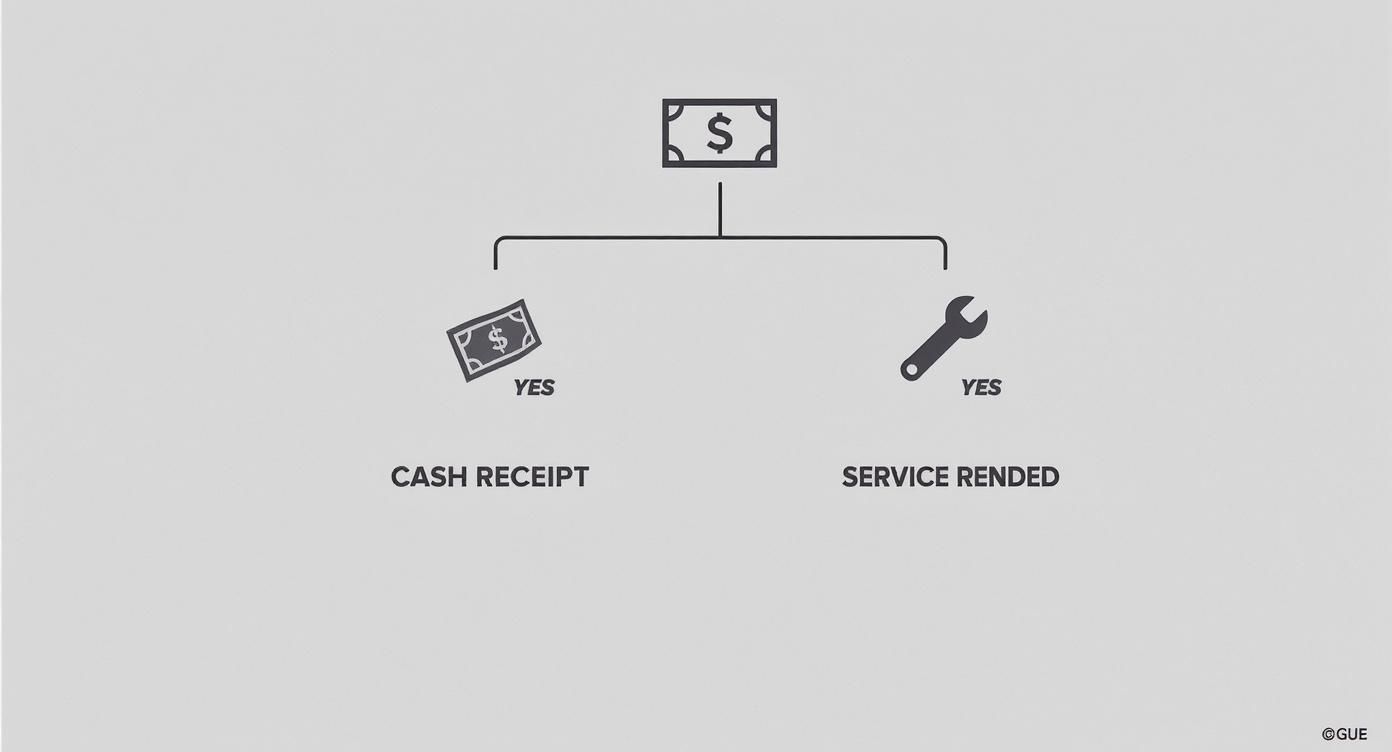
As you can see, the nature of the sale—whether it's a simple cash payment or a detailed service—points you toward the right kind of receipt to issue.
Building Your Digital Filing System
Once the receipt is sent, you need a permanent home for your copy. Trust me, just letting it sit in your email's "sent" folder is a disaster waiting to happen. A dedicated digital filing system is non-negotiable if you're serious about your business records.
It’s simple to set up. Start with a main folder on your computer or cloud drive (like Google Drive or Dropbox) and call it "Business Receipts." Inside, create subfolders for each year: "2024," "2025," and so on.
A well-organized digital archive is your best defense during a tax audit. It allows you to pull up any transaction record in seconds, demonstrating professionalism and accuracy.
To take it a step further, I always create monthly subfolders within each year (e.g., "01-January," "02-February"). It makes finding a specific receipt later completely painless. The final piece of the puzzle is a consistent naming convention. A format like YYYY-MM-DD_ClientName_ReceiptNumber.pdf (for example, 2024-10-26_AcmeCorp_0152.pdf) works wonders.
How Long to Keep Your Records
So, how long do you need to hang onto all these files? For tax purposes, the IRS generally recommends keeping business records for at least three to seven years. This gives them a window to audit past returns if they need to.
Thankfully, keeping digital copies makes this so much easier than managing stacks of paper. Just make sure you have a simple backup strategy in place.
- Primary Storage: Use a cloud service you trust, like Google Drive, Dropbox, or OneDrive. This keeps your files accessible from anywhere.
- Secondary Backup: Keep a copy on an external hard drive that you update regularly, maybe once a month.
This two-pronged approach means that even if one system fails, your vital financial records are safe. Whether you’re issuing a basic Retail Receipt or a complex invoice, getting into this storage habit will protect you from chaos and ensure every penny is accounted for.
Common Receipt Mistakes and How to Fix Them
It's incredible how a tiny mistake on a receipt can snowball into a massive headache. A simple oversight can cause confusion for your clients, hold up your payments, and make tax time a complete nightmare. Getting your receipts right means knowing what traps to avoid.
Most of these errors are just simple human mistakes, especially when you're in a rush. But they can make you look unprofessional. For instance, sending a receipt with a generic description like "Project Work" is asking for trouble. A few weeks later, your client might not remember what that charge was for. A specific "Website Homepage Design - 15 hours" leaves no room for doubt and gets you paid faster.
Forgetting Unique Receipt Numbers
This one is probably the most common—and most damaging—mistake I see. Every single receipt you issue needs its own unique, sequential number. Without it, you're flying blind.
Imagine trying to match a random bank deposit to a specific sale without a reference number. It's a mess, and it only gets worse as your business gets busier. A simple system like 001, 002, 003 is all it takes to keep things organized.
This isn't just about being tidy. It's crucial for:
- Clean Books: Your accountant will thank you when they can easily trace every dollar.
- Audit-Proofing: Tax agencies love seeing organized, sequential records. It shows you’re on top of things.
- Solving Disputes: If a client questions a payment, you can instantly pull up Receipt
#157and have all the facts at your fingertips.
Using a dedicated Parking Receipt Template is a great way to handle this automatically, so you never have to worry about skipping a number.
Inaccurate Tax and Discount Calculations
Math errors happen to the best of us, but on a receipt, they can really shake a client's confidence. If you mess up the sales tax or apply a discount wrong, it makes your whole operation look sloppy. It forces your customer to do the math themselves and might make them wonder if you're this careless with your actual products or services.
A receipt is more than just a piece of paper; it's a financial document that reflects your professionalism. Getting the numbers right every time builds trust.
The fix is simple: always double-check your math before hitting send. Even better, use a tool that does the heavy lifting for you. When you use something like a Donation Receipt Template, the totals update automatically as you add items, so there's no chance for a manual slip-up.
This small step is also a powerful defense against fraud. Industry reports show that detailed receipts with unique IDs and accurate totals can cut down on chargebacks and bogus claims by as much as 30%. You can dig deeper into this by checking out the latest secure payment trends on Global Payments' website. Building a quick "once-over" habit before you send a receipt makes sure every transaction is buttoned-up and professional.
Common Questions We Hear About Making Receipts
Even when you have the right tools, some questions always seem to come up. Let's walk through some of the most common things we hear from freelancers and small business owners. Getting these details right will help you handle your records with confidence.
What’s the Real Difference Between a Receipt and an Invoice?
Think of it like this: an invoice asks for money, and a receipt confirms you got it. They’re two sides of the same coin, each with a critical role in any transaction.
You send an invoice before a customer pays. It’s the bill, breaking down what they owe you, for what products or services, and when it’s due. A receipt, on the other hand, comes after they’ve paid. It's their proof of payment and your record that the deal is done. Both are absolutely essential for clean bookkeeping and staying on solid legal ground.
Do I Really Need a Receipt for Every Single Sale?
While the specific laws can change depending on where you operate, it’s a rock-solid business practice to issue a receipt for every single payment. Yes, even the small ones.
This creates a clear paper trail for both you and your customer, which is a lifesaver when it comes to bookkeeping, tax season, or settling any potential disputes down the road. It might feel like a bit much for a small cash sale, but consistency makes you look professional and protects your business. A simple Cash Receipt Template makes it so fast there’s really no good reason to skip it.
Can I Just Make My Own Receipt in Word or Excel?
You certainly can. Plenty of people start out using something like Microsoft Word or Excel to create a basic receipt. But that manual approach often creates more headaches than it's worth.
Getting the formatting right can be surprisingly finicky, and it's far too easy to mistype a number or forget a key piece of information. On top of that, trying to maintain a professional design and keep a sequential numbering system going turns into a real chore.
Using a dedicated receipt generator is just plain smarter. It guarantees all the legally required info is there, gives you polished templates, and automates the whole process. You save time and drastically cut down on the risk of making a costly mistake.
A specialized tool, like one that uses a Generic POS Receipt Template, does all the heavy lifting for you. This frees you up to focus on running your business, not fussing with document design.
How Long Do I Need to Keep Copies of My Business Receipts?
This one is crucial for staying out of trouble with tax authorities. In the U.S., the IRS generally advises keeping business records—which includes copies of all receipts you issue and receive—for at least three to seven years.
This window gives you the documentation needed to back up your income, expenses, and deductions if you ever face an audit. The easiest way to handle this is by storing digital copies in an organized cloud folder. You’ll be compliant without getting buried in paper. A good digital archive also means you can instantly pull up a specific Service Receipt from months or even years ago. As always, it’s a good idea to chat with a local tax pro to be sure you're following the specific rules for your area.
Ready to create polished, accurate receipts in just a few seconds? With ReceiptMake, you can pick from over 100 templates, pop in your logo, and generate a perfect receipt with no sign-up needed. Give it a try for free and see how simple professional record-keeping can be.

